
The right device for the cockpit
SkyHeading runs on iPad and iPhone and on Android tablets and phones. Here is what to look for before you buy: enough storage, a GPS you can count on, a screen you can read, and an ADS-B receiver that speaks open GDL-90.
Six things to check
Storage: 256 GB is ideal
128 GB works on iPad, iPhone and Android alike. 256 GB is ideal: SkyHeading keeps the FAA data, the state packs, the landing-site photos and the downloadable voices on the device, so it works with no signal, and you'll want room beside your EFB's charts and your photos. On an Android tablet with a microSD slot (up to 2 TB on Samsung's Galaxy Tab S10 FE, S11 and S12 models), 128 GB is plenty: SkyHeading can keep its data on the card (Settings › Storage), and the card holds your photos, music and other files too.
A GPS inside
Wi-Fi-only iPads have no GPS: they guess where they are from Wi-Fi, which doesn't work in the air. On iPad, choose Wi-Fi + Cellular (no data plan needed for GPS). Samsung's Galaxy Tab S tablets have a real GPS even in the Wi-Fi-only models; some other Android tablets have none. An ADS-B receiver has its own GPS too.
A screen you can share
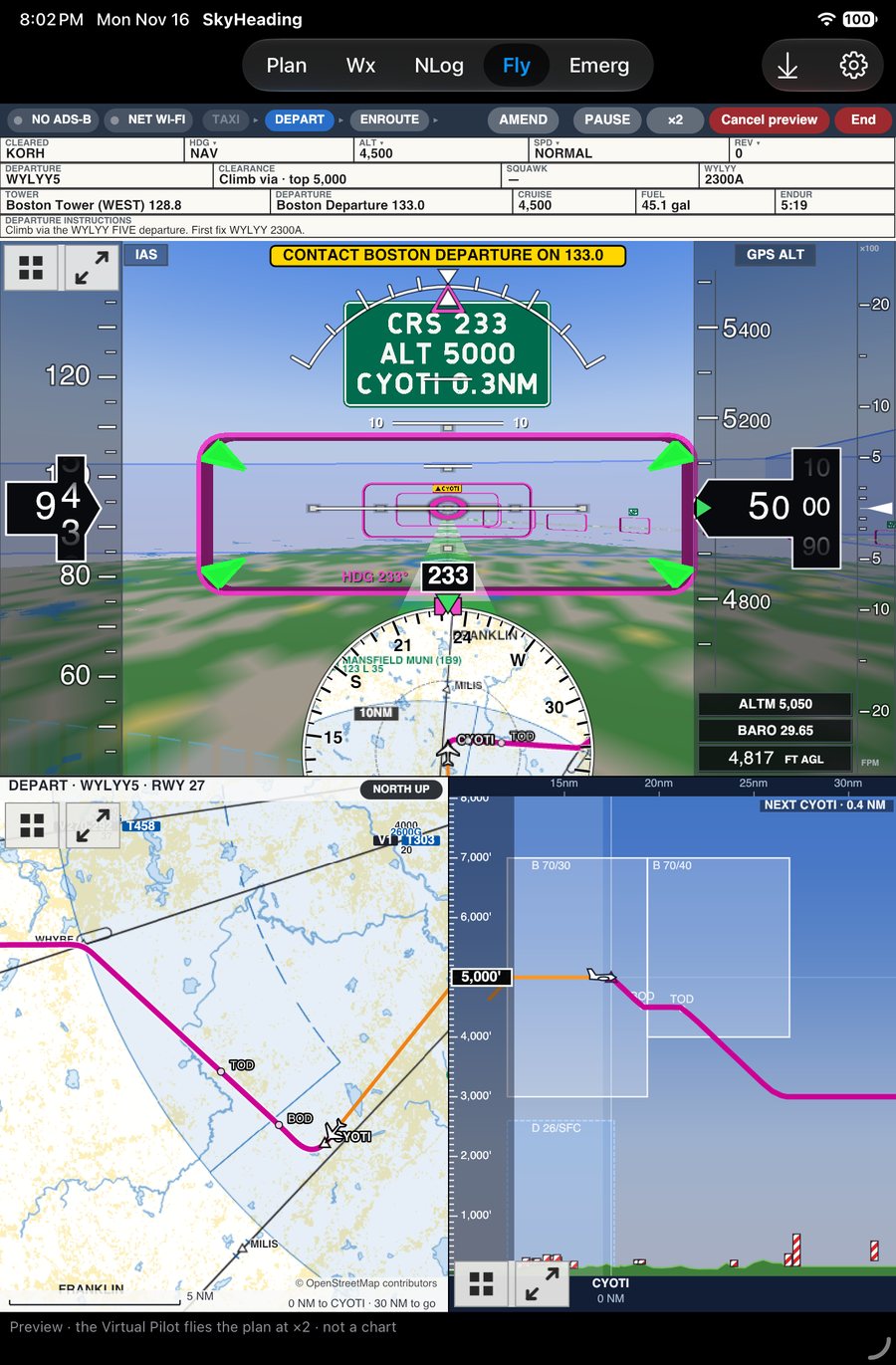
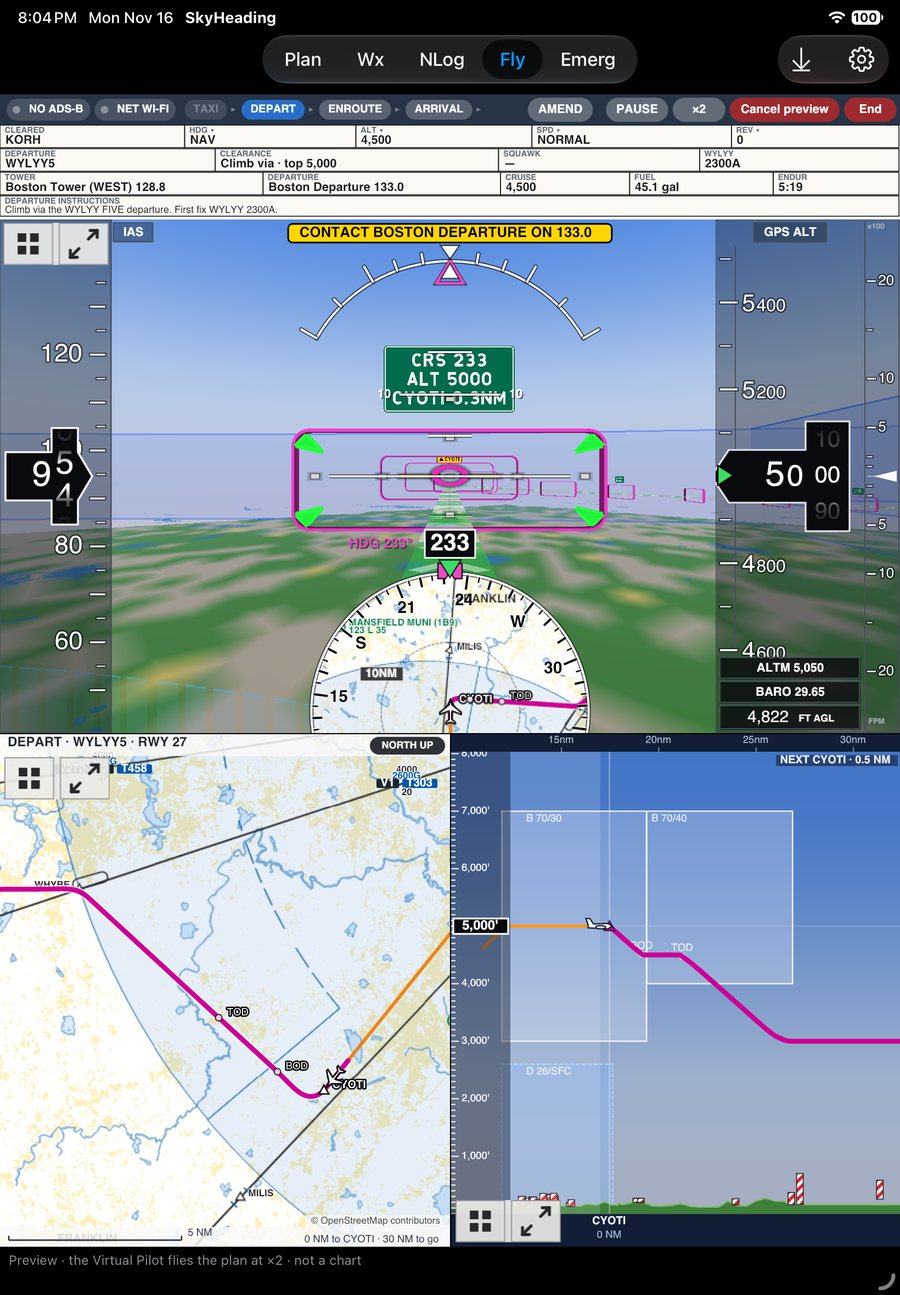
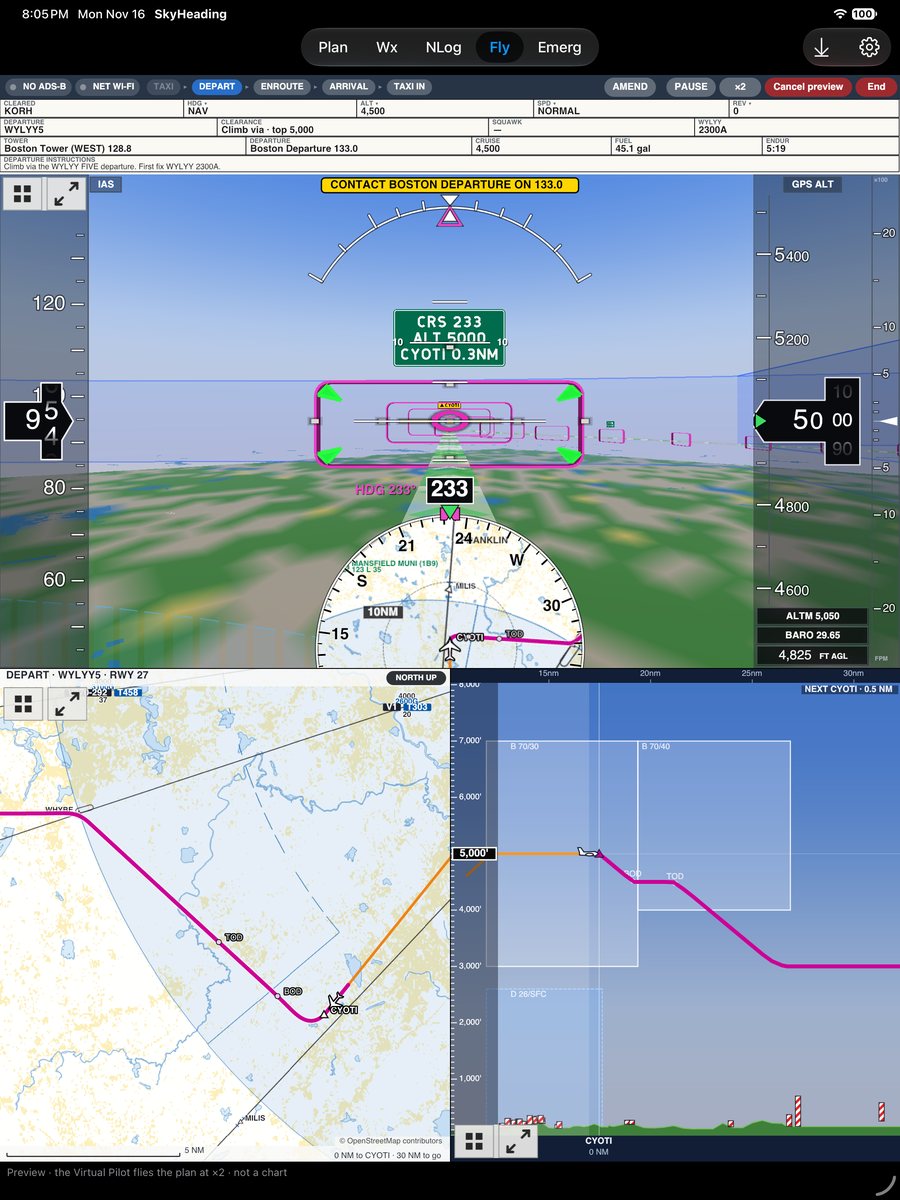
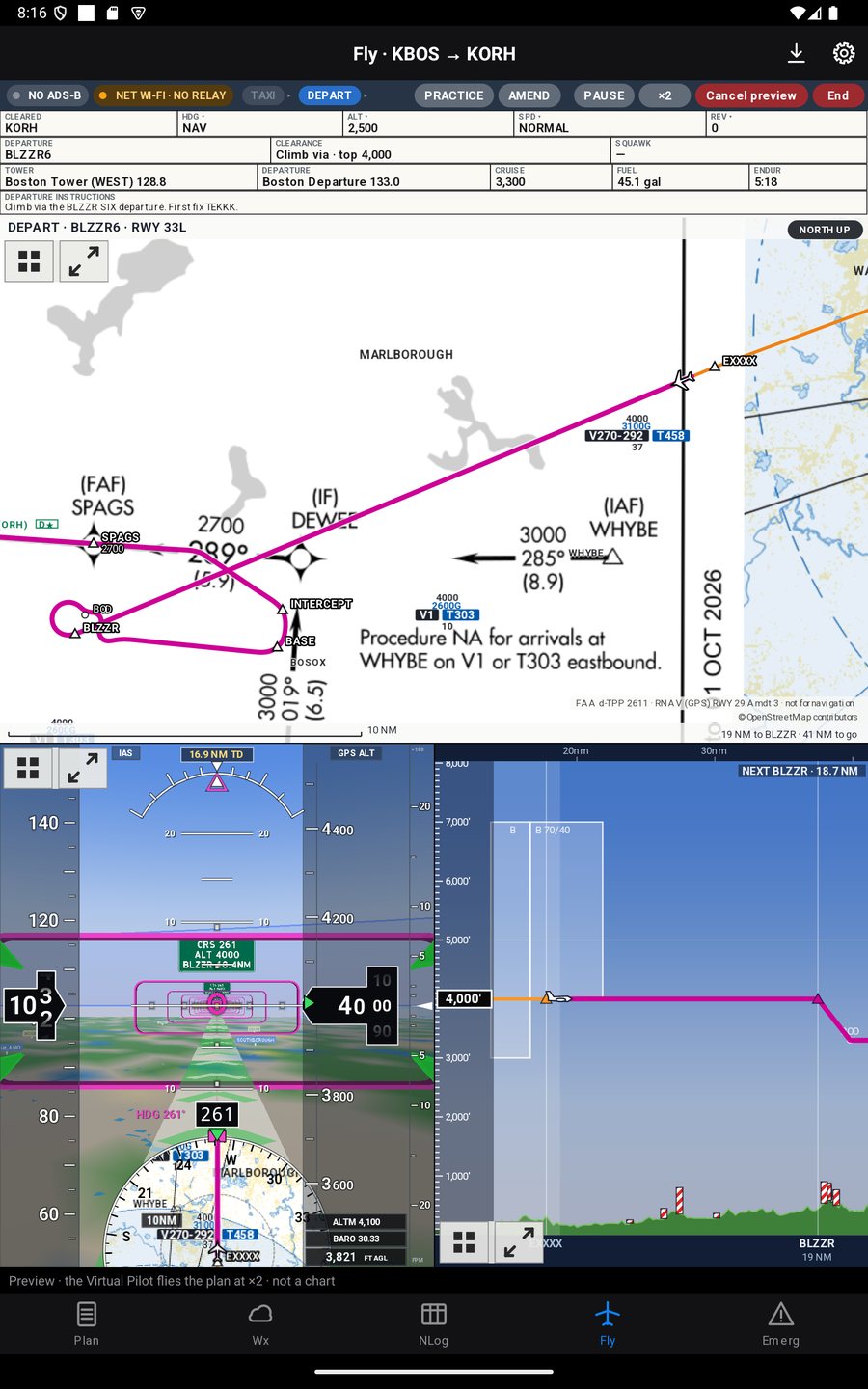
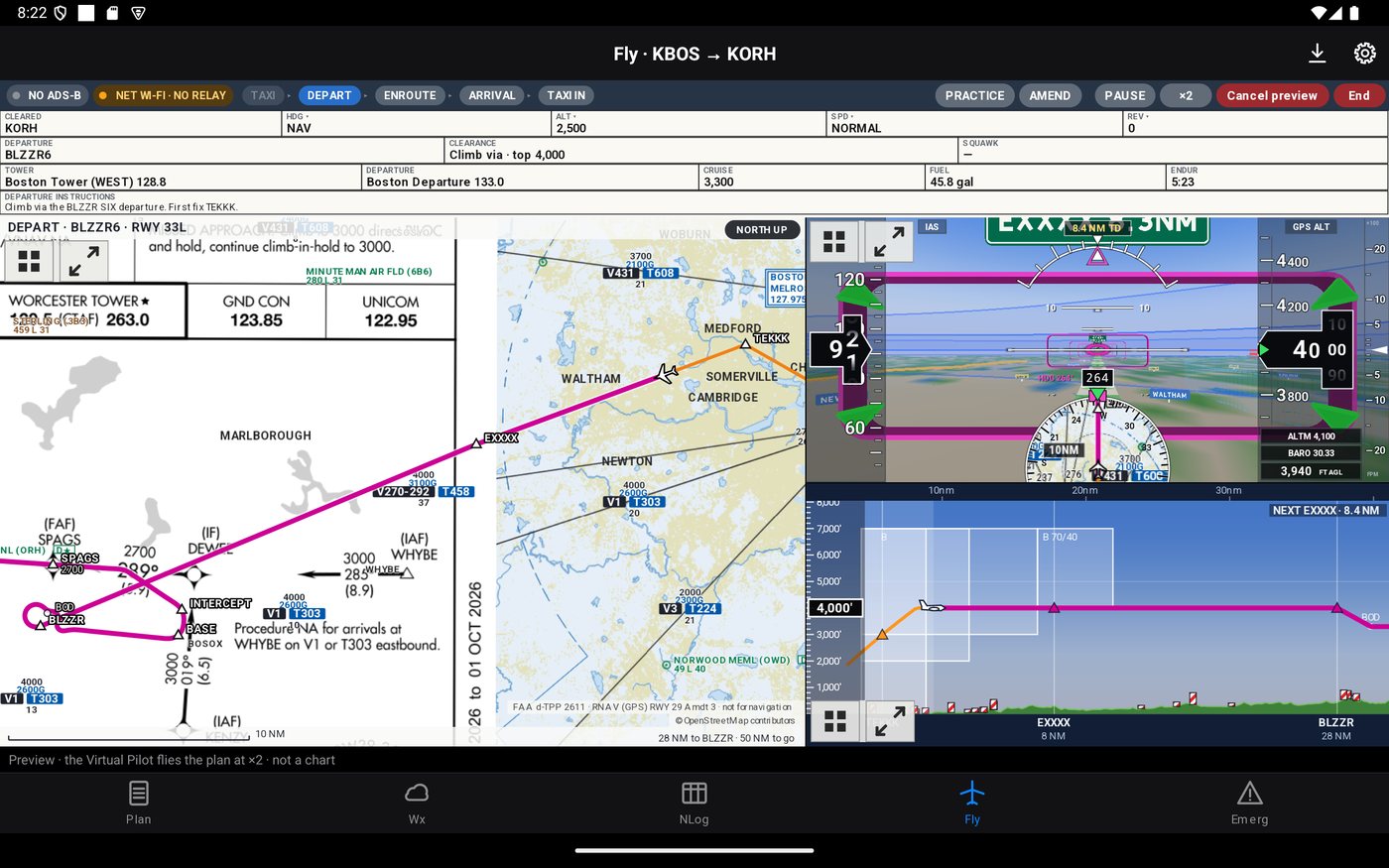
A tablet is best: HITS, the Map and the Profile sit side by side, and SkyHeading can share the screen with your EFB. An 8- to 11-inch tablet fits a kneeboard or a yoke mount; a phone is a fine backup.
A current system
iPadOS or iOS 17 or later on Apple devices; Android 12 or later on Android (it decodes the landing-site photos), with OpenGL ES 3 graphics, which every current tablet has.
Heat and sunlight
Apple rates its iPads for 32 to 95 °F (0 to 35 °C), and every tablet dims or stops when it overheats in a sunny cockpit. Keep it out of direct sun, give it air behind its mount, and turn the brightness down when you can. A matte (nano-texture) screen or an anti-glare film helps in bright light.
Power
A bright screen, HITS and the GPS use battery: expect 4 to 6 hours in flight, well short of the box's figure. Plan on a USB-C charger in the cockpit for long flights, or a battery pack; SkyHeading keeps the GPS and receiver running with the screen off when a flight is under way.
Choosing an Apple device
Any iPad or iPhone that runs iPadOS / iOS 17 or later runs SkyHeading. For the cockpit:
iPad mini
The pilot's favourite, and the size most GA pilots pick: it fits a kneeboard and a small cockpit, with room for HITS, the Map and the Profile. The new mini (A20 Pro, November 2026) has an 8.5-inch OLED screen, IP67 water resistance and an optional anti-glare nano-texture screen (256 GB and up). A refurbished 2024 mini (A17 Pro) saves money.
iPad Air or iPad (11-inch)
More room for SkyHeading beside your EFB in Split View, still light enough for a yoke mount: the iPad Air (M4, 11- or 13-inch) or the iPad (11th generation).
iPad Pro
The fastest chips (M4 and M5) and the best screens, with nano-texture as an option: great on a panel mount in a larger cockpit, heavy on a kneeboard at 13 inches.
iPhone
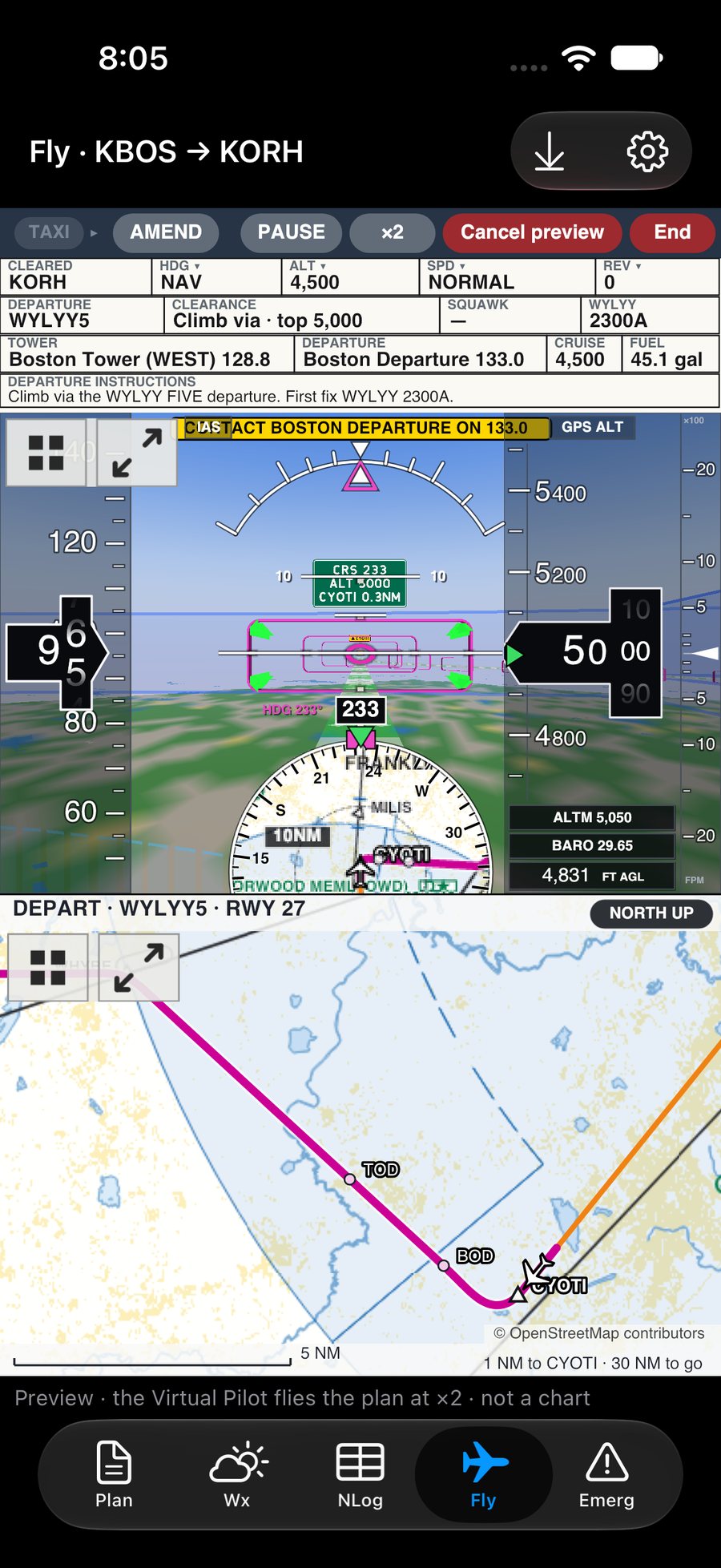
Every iPhone has GPS. A good backup to your tablet, or the whole setup in a small cockpit.
Too old
The iPad 5th generation, iPad Air 2, iPad mini 4 and older can't run iPadOS 17. A used iPad that runs only an older iPadOS will soon stop getting app updates: for years of use, choose one that runs the current iPadOS.
Where to buy
Apple or an authorised Apple retailer. Apple's certified refurbished iPads are a solid way to save, as are trusted renewed stores (Amazon Renewed, Best Buy).
Wi-Fi + Cellular iPads have GPS whether or not you buy a data plan. A Wi-Fi-only iPad needs an ADS-B receiver (or a Bluetooth GPS) for its position in the air.
Choosing an Android tablet
Any tablet or phone with Android 12 or later runs SkyHeading. Check the spec sheet for GPS (or GNSS) before you buy. Unlike iPads, Samsung's Galaxy Tab S tablets (S8 and later, FE models included) have GPS in the Wi-Fi-only models too, so you don't need 5G for GPS: it works with no signal at all. A 5G model gets its first fix a little faster where there's coverage (assisted GPS), and adds internet away from Wi-Fi.
Samsung Galaxy Tab S11
The best pick: a bright 11-inch AMOLED screen readable in daylight, a fast chip for HITS, IP68 water and dust resistance, Android 16 and years of updates.
Samsung Galaxy Tab S10+ and S10 Ultra
Bigger screens (12.4 and 14.6 inches) for HITS beside your EFB. The Ultra belongs on a panel mount, not a kneeboard.
Samsung Galaxy Tab S10 FE
The budget pick: a 10.9-inch screen, enough speed for HITS, IP68, and long update support. Its LCD is dimmer than the AMOLED models in bright sun.
Last year's Galaxy Tab S9
The S9, S9+ and S9 Ultra still run SkyHeading well and are often discounted, Wi-Fi-only models included.
Samsung Galaxy Tab Active
Rugged tablets built for bright light, heat and knocks, with GPS. Worth a look for a working cockpit.
Watch out for
Tablets with no GPS at all (the Google Pixel Tablet is one; check the OnePlus Pad 3's spec sheet), and low-cost tablets with slow graphics, which make HITS stutter. A phone with Android 12 or later makes a good backup.
Samsung's tablets are the most common Android tablets in cockpits. The Galaxy Tab S10 FE and S10 FE+, S11, S12+ and S12 Ultra take a microSD card of up to 2 TB, so 256 GB built in matters less: Settings › Storage moves SkyHeading's data (packs, photos, voices, plans) to the card in one step, and back. Keep the card in the tablet when you fly. See Samsung's tablets for the current models.
Your receiver must speak open GDL-90
SkyHeading's traffic, FIS-B weather, receiver GPS and attitude come from a portable ADS-B receiver that sends open GDL-90 over Wi-Fi, the format ForeFlight and most EFBs use. Join the receiver's Wi-Fi network and SkyHeading listens on UDP port 4000. Receivers that speak only their maker's own protocol, or connect only over Bluetooth, won't work on iPad, iPhone or Android.
Choose one with an AHRS (attitude) if you can. Without one, GPS gives SkyHeading where you are and where you're going, but not the aircraft's pitch and bank: flying the magenta hoops in HITS, you won't see the airplane's own orientation.
| Receiver | What it adds | Notes |
|---|---|---|
| Stratus 4 and Stratus 3 | 978 and 1090 traffic, FIS-B weather, GPS, attitude | The Stratus 4 sends open GDL-90. On a Stratus 3, turn on its open GDL-90 mode first. |
| Stratux | 978 and 1090 traffic, FIS-B weather, GPS; attitude with the AHRS board | Open source: build your own or buy a ready-made one. |
| ForeFlight Sentry and Sentry Plus | 978 and 1090 traffic, FIS-B weather, WAAS GPS, attitude, pressure altitude | Comes in ForeFlight's own mode: SkyHeading switches it to open GDL-90 for you (Settings › ADS-B receiver › Receiver data › Switch to standard GDL-90). Switch it back before flying with ForeFlight. |
| ForeFlight Sentry Mini | 978 and 1090 traffic, FIS-B weather, WAAS GPS | Small and light; no attitude. Switched to open GDL-90 from SkyHeading, as the Sentry is. |
| uAvionix SkyEcho 2 | 978 and 1090 traffic, FIS-B weather, GPS, pressure altitude | Portable ADS-B In and Out. Not yet approved for use in the US (UK, Australia and New Zealand only). |
| Levil iLevil 3 and BOM | 978 and 1090 traffic, FIS-B weather, GPS, attitude; the AW and BOM add measured airspeed | Set it to GDL-90 in Levil's AHRS Utility app. Measured airspeed lets SkyHeading learn your real glide. |
Before you buy one not listed
Ask the maker whether it sends open GDL-90 over Wi-Fi to UDP port 4000. If it does, SkyHeading will very likely work with it; Settings › ADS-B receiver › Receiver data shows exactly what it sends.
No receiver?
SkyHeading still works with the device's own GPS (on a model that has one), with internet traffic and weather on the ground. In flight, a receiver adds the FAA's free FIS-B weather and traffic around you, and one with an AHRS adds the aircraft's attitude: a tablet's GPS alone can't show its pitch and bank as you fly the hoops.
Not sure what you have?
Write to us with your device and receiver and we'll tell you how it will work with SkyHeading. Makers change their models often: check each one's current specifications before you buy. Products and links are listed for your convenience; SkyHeading isn't affiliated with or endorsed by their makers.